Task Manager & Calendar
Cortex
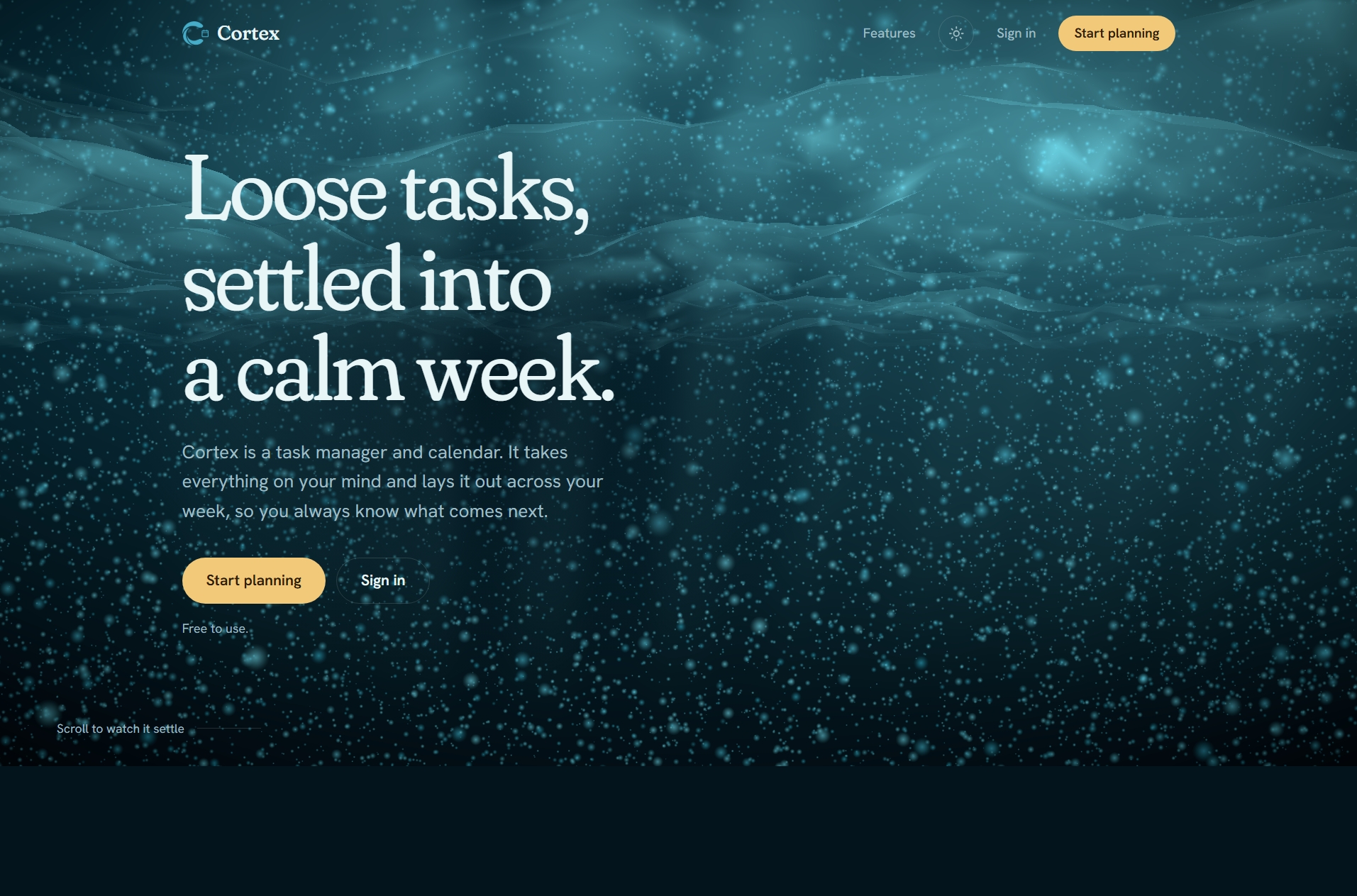
A task manager and calendar that lays everything on your mind out across the week, suggests better time slots when plans collide, and keeps working offline.
- Role
- Co-creator & frontend developer
- Team
- 2 developers
- Timeline
- Oct 2025
- Type
- Task Manager & Calendar
- Offlinekeeps working and syncs when you reconnect
- PWAinstalls on phone and desktop like an app
- 7-dayworkload view with weekly goals
Highlights
- Drag-and-drop weekly calendar with conflict warnings and suggested time slots.
- Subtasks, reusable templates and a quick to-do list for the small stuff.
- Weekly goals and statistics: completed, pending and overdue work, split by priority.
- Installable app that works offline and syncs across devices when back online.
On this page
The problem
A to-do list tells you what you have to do, but not when you will do it. Tasks pile up without a place in the week, deadlines collide, and the list becomes something to avoid looking at.
Cortex treats tasks and time as one thing. Everything on your mind goes onto a weekly calendar, so the question is never just what is left, but what comes next.
What it does
A week you can rearrange
Tasks are dragged onto the calendar and moved when plans change. When something runs late or two tasks overlap, Cortex warns about the conflict before you double-book yourself and points to a better slot inside your available hours. Overdue and high-priority tasks get a recommended time first.
Big tasks, broken down
A task can be split into subtasks and ticked off one by one. Tasks that come back every week can be saved as templates and started with one click, and a reorderable to-do list sits beside the calendar for things too small to schedule.
Seeing how the week is going
Weekly goals run from Saturday to Friday, and unfinished ones can roll over. Statistics show completed, pending and overdue tasks by priority, and a seven-day view shows how heavy the coming days already are.
Pick up where you left off
Tasks, to-dos and goals are tied to an account and follow you across browsers. If the connection drops you keep working, and changes sync when you are back online. Cortex can be installed to the home screen and opens like a native app, with reminders for what is due and keyboard shortcuts for the rest.
How it is built
Cortex is a React application built with Vite, with a modular interface: the calendar, tasks, goals and statistics are separate parts that share one picture of the week.
Offline first: changes are saved locally and synced later, so the app never blocks on the network.
Installable: it ships as a progressive web app, so it can be added to a phone or desktop.
Locked down: the site ships a strict content security policy and refuses to be embedded in other pages.
My role
I built Cortex together with Amira Ahmed, working across the application architecture and the interface. The goal we kept coming back to was a planner that stays calm to use: fewer screens, fewer settings, and a week you can read at a glance.
Built with
- React
- Vite
- PWA
- Drag & Drop
- Web Notifications
Building something similar?
I can help you plan it, build it, or lead the team that does.